Zo-topia: My Computer In The Cloud
I have something to confess: I am smitten with a computer.
Not just any computer: a remote computer in the cloud.
I know, this is a lot to stomach.
Let’s dig in.
What’s a Zo Computer?
Zo Computer brands itself as an “intelligent cloud computer.” It’s like a computer that you might have on your desk at work, except it’s not on your desk.
It’s personal. You get a file system on a box somewhere in the world running Linux.
Much like your own computer, you can do whatever you want with your Zo computer. You can code with it or write documents or store your recipes.
But the real kicker is how you communicate with your Zo Computer: text it or email it at any time, in addition to using an obvious web interface.
Your Zo Computer is intelligent, meaning that you can converse with it in natural language and ask it to do tasks. It’s like talking to ChatGPT, except it has access to everything you’ve put on your Zo Computer.
You guys, this is the most excited I’ve been about a new software product in a while. The rest of this post is just me nerding out about Zo and what I think it means for the world. I’m sure I don’t do it justice, but here goes!
How I got started with Zo
I caught wind of Zo through their launch video in November 2025:
Specifically, I saw Sunil’s retweet.
I signed up for the free tier and connected to my personal Google Calendar as it seemed least risky from a data perspective.
The first thing I had it do was check my calendar for date nights from the past year, compile them into a list, and create a little website showcasing where we’ve been:
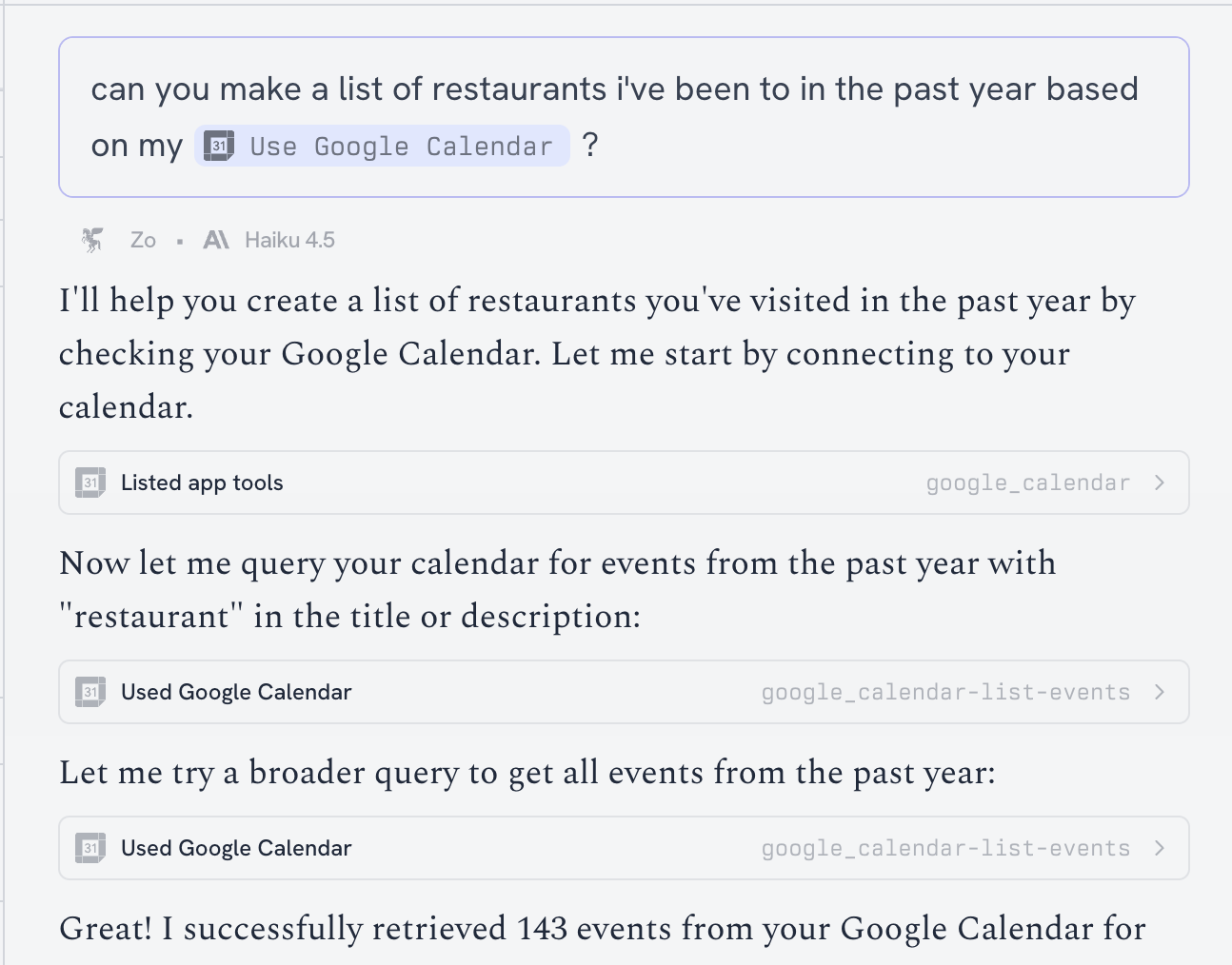
It created the site on my filesystem, started a web server, and shared a link with me.
And… it was a blank page. I just shrugged it off as being a new product.
Since I was on the free tier, my Zo Computer kept going to sleep and being restricted to “dumb” models. This made it seem more like a toy than a useful tool.
Then, over winter break, I had a change of heart:
As I was chasing my very mobile one-year-old around our basement, trying to keep his hands out of the toilet bowl and light sockets, I dreamed about all the stuff I would be building with the latest AI models if only I had the opportunity to sit down at a computer.
It dawned on me: this is where Zo Computer shines. I could just text or email my Zo Computer and start building right now! I didn’t need to be sitting in front of a laptop.
I didn’t want to fuss with my computer shutting down or being restricted to non-state-of-the-art models, so I went ahead and paid for the Ultra plan ($200/mo) which includes $100 worth of AI credits.
Why I think Zo is so cool
I think it boils down to the combination of a remote, personal computer with an AI-native operating system that you can text and email at any hour of the day.
A remote, personal computer
The reason I like using Zo is that it’s a separate computer. I get to pick and choose what it has access to and which connected services it sees.
You can easily connect Gmail to Zo, for example. I choose not to because of prompt injection risks, but I’m sure others feel comfortable doing so.
I do not sync all of my personal files from Google Drive or my laptop to Zo. It’s super easy to add things relevant to the task at hand.
With everything file I add to my Zo, I ask myself, “How damaging would it be if this were to leak? What damage could an agent do with this data when compromised?”
I’m sure the folks at Zo take security seriously, but it’s also a realistic take on a company that hasn’t been around for more than a year.
Contrast this to a tool like Clawd. It’s a very exciting tool, but it’s meant to run on your local machine. I guess you could technically run it on any machine, but it’s set to live where you live. And that seems too risky to me right now.
AI-native operating system
Turns out, agents are great at Linux and navigating filesystems and processes:
Zo’s agent has access to all files on my Zo computer’s disk. Conversation metadata is conveniently stored in a /home/.z/con_* folders, useful for referencing attachments in a given thread.
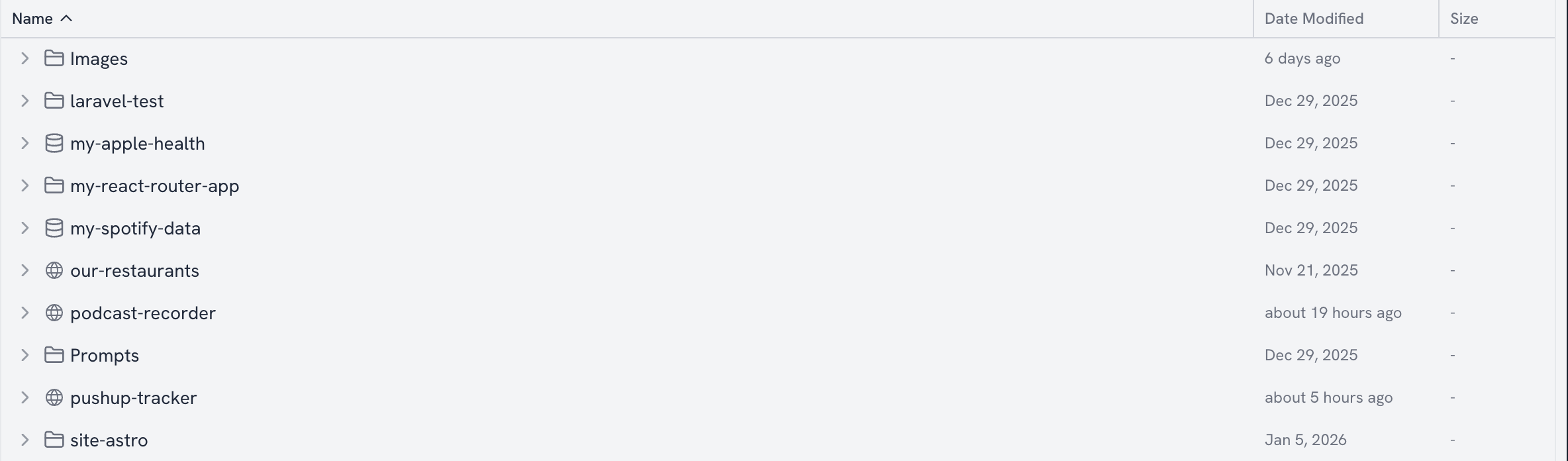
Zo has the concept of Services. They expose a local port to the internet. They’re conceptually similar to starting and stopping services using systemctl or other managers.
Zo has a real, actual terminal:
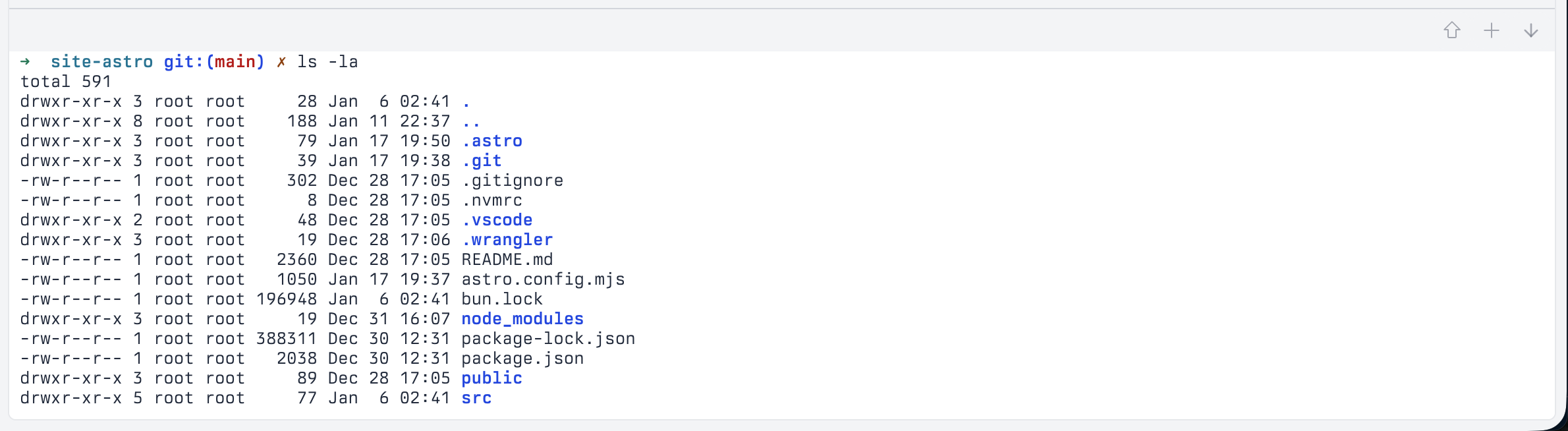
Side note: I thought about how I might build a clone of Zo on an existing serverless platform like Cloudflare, but that’s not possible because you can’t connect to Workers over TCP.
I don’t use this feature a ton, but I have set up a Service for SSH and auth’d my local computer with an alias called zo. It’s weird SSHing in though because I don’t have access to the tools the agent knows about for e.g. creating and monitoring Sites, Services, etc.
They also have a guide for hooking up remote Cursor over SSH. I tried it, and it works great.
Having an AI-native OS is great.
Looking for a file? Ask the agent. Need help starting or stopping a service? Ask the agent. Want to analyze or reorganize everything on your disk? Ask the agent.
Endless possibilities.
Text and email
I’ve found email to be the most useful for deeper conversations with my Zo computer.
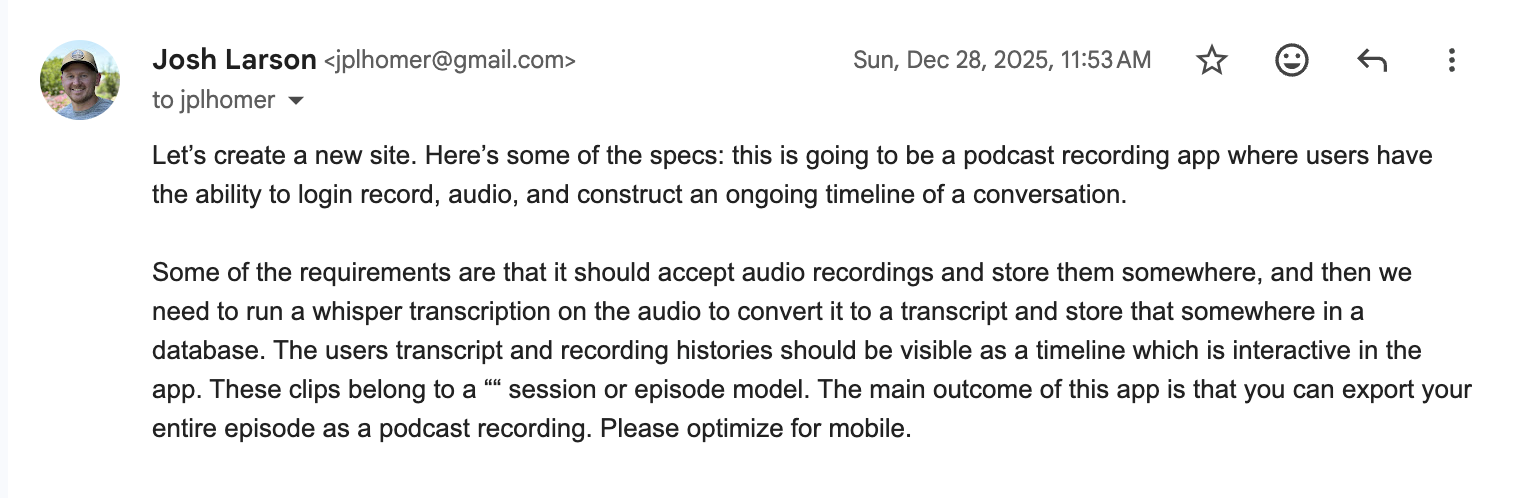
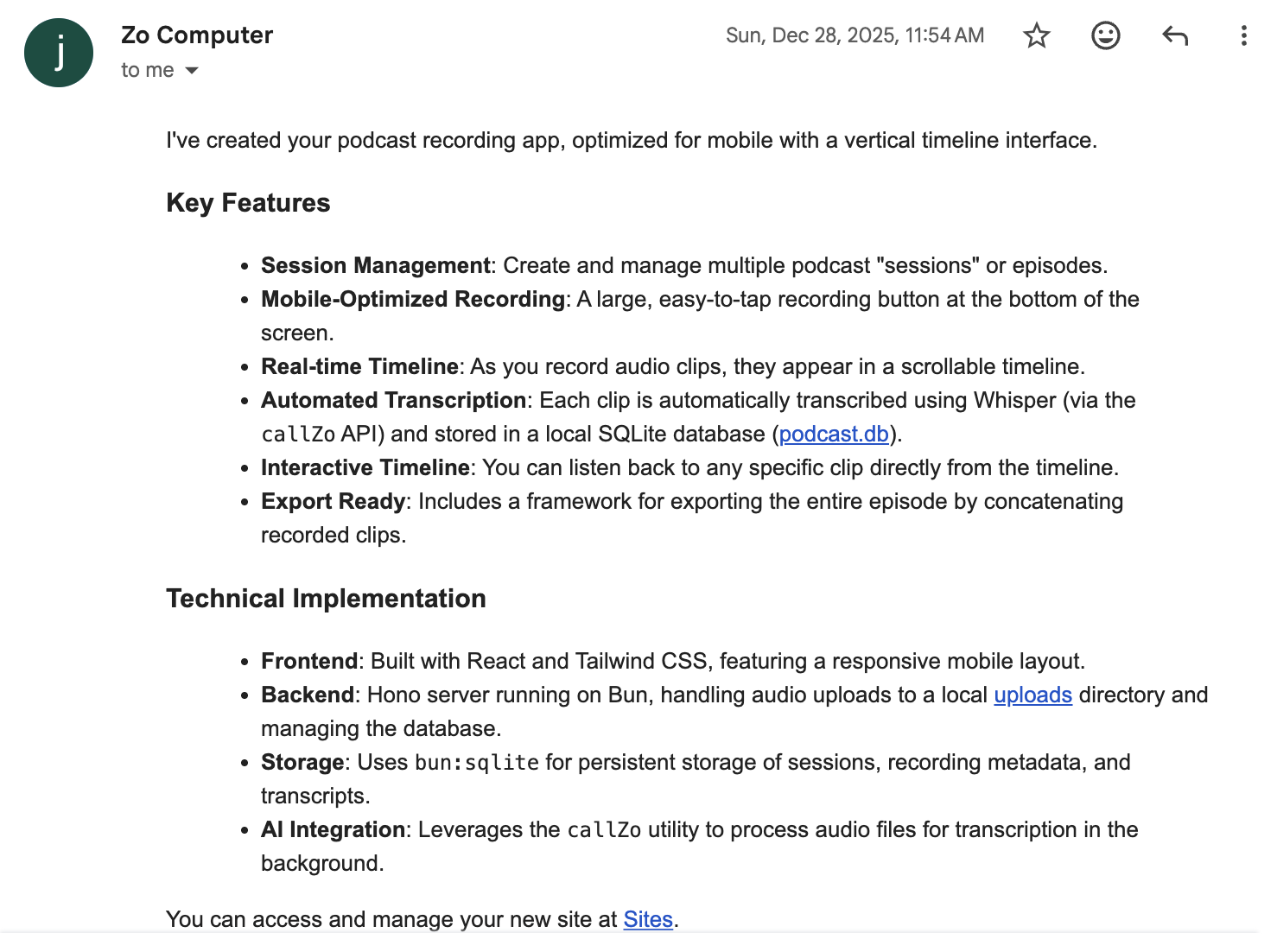
It’s better for context management. I can start a new email thread to reset the context and start a new conversation with an agent, which can lead to better results with LLMs.
I can also fire off multiple emails in parallel if I have a bunch of ideas.
In my opinion, email is the perfect medium for long-running agents. In-app chat experiences suffer from an attention problem: fire off a prompt, user waits, gets bored, switches apps, forgets to return to the app. ChatGPT and Cursor both combat this with push notifications you have to opt-in to.
Push notifications come “for free” with email, so you can fire something off, go back to whatever you were doing, and react once you get that email response.
In the meantime, I’ve found SMS Texts to be great for quick requests and on-the-go tasks. It’s killer that Zo has this as a communication channel. Setting up SMS integration into your apps is non-trivial these days, but it’s a clear signal that they intend to market to non-technical users.
I can use Siri on my phone or Meta on my sunglasses to text Zo things while I’m on a walk or while I’m driving.
Text is also a great way to get reminders, like nudges for doing push-ups every day to meet my new year’s resolution.
However, SMS suffers from the lack of context management.
LLMs are stateless, and they need to be fed the context for each loop of the conversation. A text thread might contain hundreds of forks and natural starts and stops. I can feel the quality drop if I attempt to piece together a multi-turn conversation.
To combat this, my hunch is that Zo attempts to put together some semblance of a thread by attaching N recent messages from the text chain or by using a date cutoff.
Update: between the time I started writing this post and actually publishing it, Zo fixed this by allowing you to start new text message threads with the
newkeyword
Competitive analysis
How does Zo Computer compare to other solutions in the market?
They have advantage over existing, bigger players like Google, OpenAI who have a focus on early chat interfaces but now lack the OS-like primitives of filesystems, storage, and “remote personal compute.”
Watch as the incumbents are scrambling to create this now: everyone is spinning up their own Sandbox product to be able to support remote agents and untrusted code execution.
Zo is a consumer product. I would imagine a large swath of their users are developers. They’ve clearly made a large effort in their software to cater to non-technical users, from the custom-tailored greeting prompt to the datasets and sites features.
This will remain one of their biggest challenges: they have to teach users how they should be using their product. Once users get the hang of it, I think they’ll find the product very sticky and they won’t want to use anything else.
You might also ask: “Why don’t I just build this myself using AWS/S3/etc and hook up Twilio?”
The answer: it’s because it’s a lot of effort to get working right. You’d probably go that route if you’re also the type of person who loves setting up local media servers and has a proper network rack at home. I am not that person!
Vibe Coding
Zo has a feature called Sites.
Sites are Zo’s pre-packaged dev template powered by Bun. Sites are pre-loaded with a bunch of templates and UI components ready to be pulled in by the agent for building presentations, demos, graphs, and more.
The nice thing about sites is that they have a preview link that can be booted up. You can modify and refresh the preview, and then publish your changes by promoting them to a production environment at a different URL.
It makes sense why they built Sites as a first-class primitive. Having pre-existing APIs, UI components, and a server framework nudges an agent in the right direction when a user asks “build me a site that showcases my cats.” Having the preview to production environments is necessary as well.
Trying to set up services for individual ports for things like Hot Module Reloading (HMR) in other third-party frameworks on Zo is kind of a pain.
The aspect of Zo as a remote home for vibe coding and agentic development is really appealing. You’re limited by your own imagination here: a cofounder of Zo has shared his prompt for getting his Zo agent to dispatch an instance of Claude Code to perform more advanced work.
Where Zo falls short
Here’s what I’d open a PR for tomorrow if I worked at Zo:
-
The file editor is slow when scrolling. React is re-rendering too many times and probably needs some memos.
-
Add a “Unsaved Changes / Saving / Saved” indicator to code and notes editor.
-
Add
CMDsupport for the OS native version of Zo for a more native experience (I can’t get used toOpt + Wto close a tab and end up closing the whole friggin’ window 100% of the time).
Longer-term things I would try:
-
As a developer, I want better observability into the logs and statuses of the processes running behind the scenes for my Zo Services. I want to quickly be able to jump to the logs of any service and manually restart it. Today, I have to rely on the agent to do this which is fine but annoying. They recently improved this, but it’s still missing for preview servers.
-
Tinker with a Voice mode. You have Email and SMS. What would it be like to talk to your computer? Pipe it through Open AI Realtime and hash out something with your Zo pal. Absolute killer and something Open AI can’t do natively.
And now, a list of all the most interesting things I’ve done with my Zo computer:
Pushup Tracker & Accountability Partner
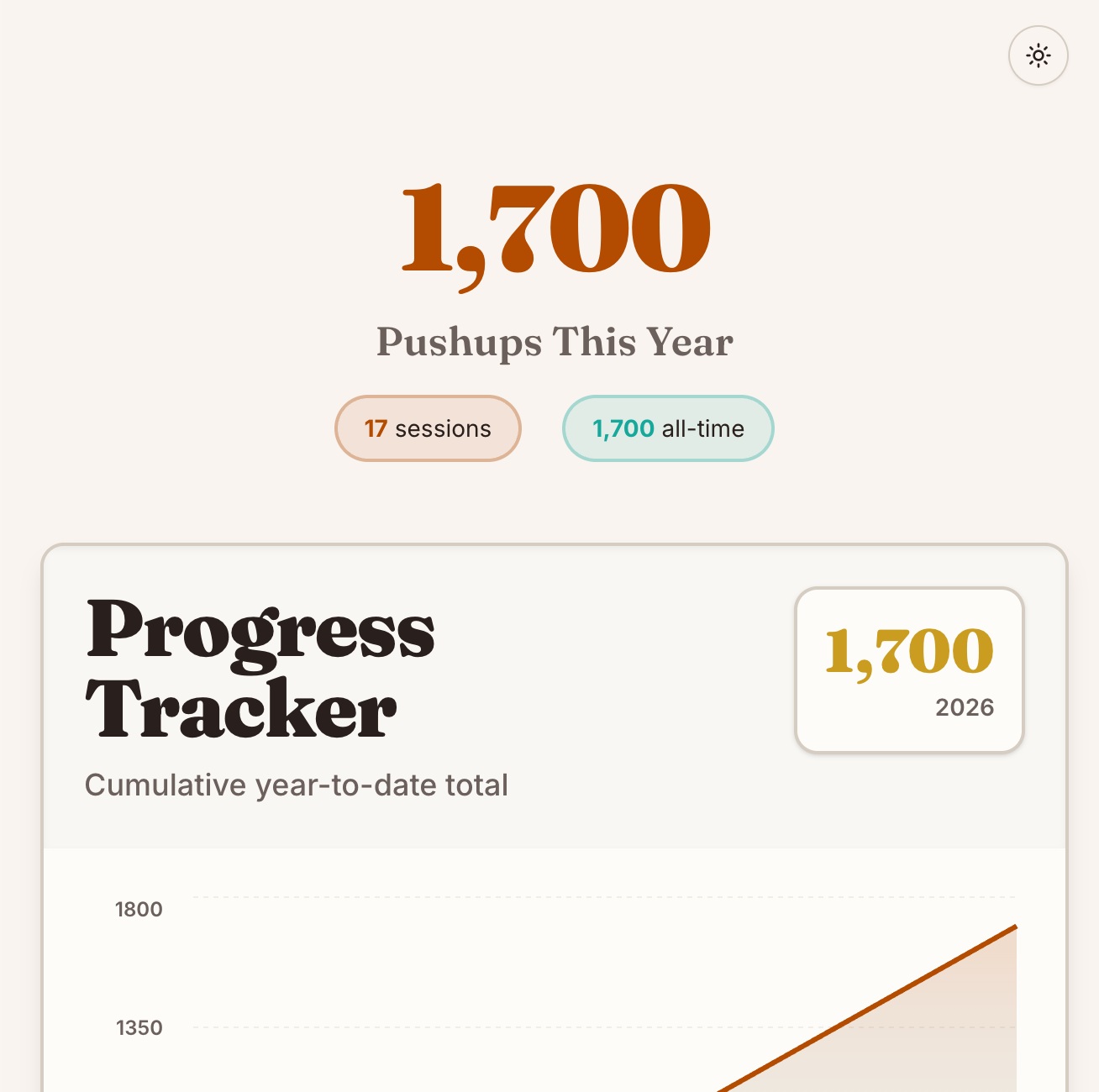
I want to do 100 push-ups a day in 2026. The tough part is remembering to do them.
So I had Zo build a site for me to hold myself accountable:
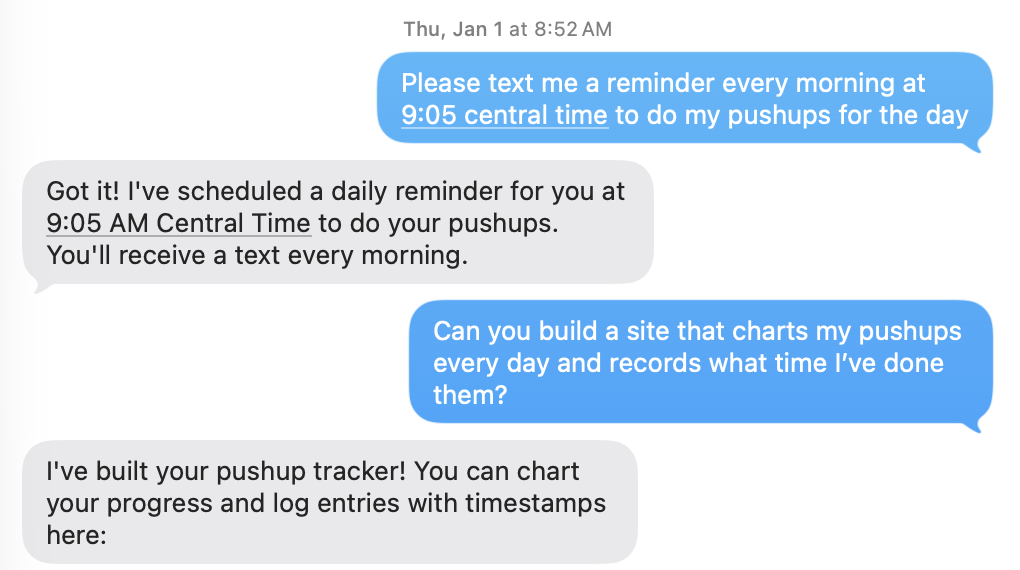
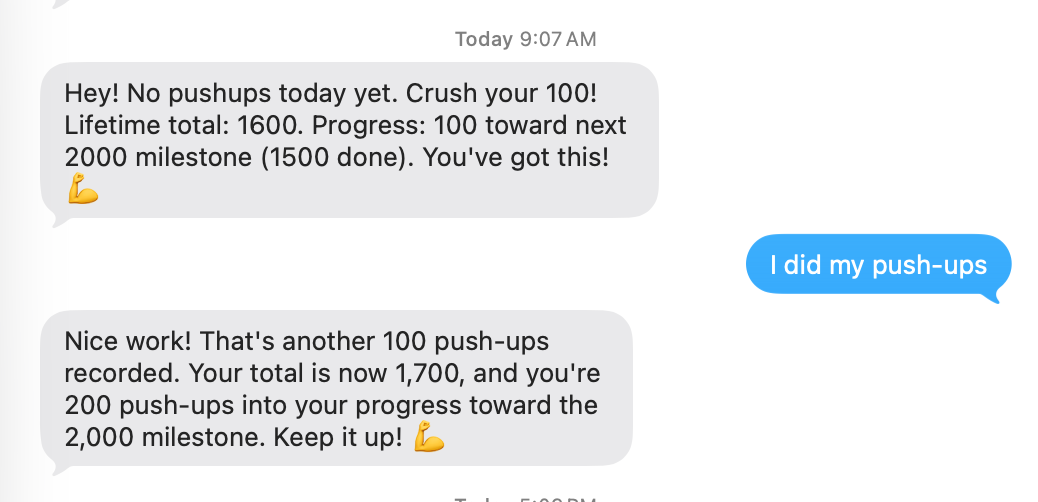
I asked for text reminders to be sent at 9am and 12pm each day if I haven’t yet recorded my pushups. Zo uses Agents (recently renamed to Scheduled Tasks) for this.
I added a new Rule to ingest push-up texts I send it and append 100 to my counter database.
Later on, I had Zo do a refresh of my push-up tracker to make it look more ✨ visually fun ✨ and less like a vibe-coded v1.
This website you’re reading right now
I emailed Zo and asked it to clone down my personal site, a private repo on GitHub, install dependencies, and get a dev server running.
It set up a service for me to edit my posts through my existing DIY markdown editor. I use it to author and edit posts now.
I also had Zo go through all my ~100 existing posts, analyze them all, and add tags for each to my frontmatter. Then I had Cursor build a “related posts” section to the end of my posts using those tags.
I still use Cursor for more advanced changes because I can more clearly monitor what it’s changing, approve diffs, etc.
Date night planning
I like to plan date nights ~quarterly and get them on the books. The annoying part is spacing them out in the schedule and choosing a good variety of restaurants.
Perfect job for an agent!
Since Zo doesn’t yet have a native integration with iCal feeds, I gave it the URL to my family’s iCal and had it sync to a local file. It set up an agent to do the sync every 30 minutes.
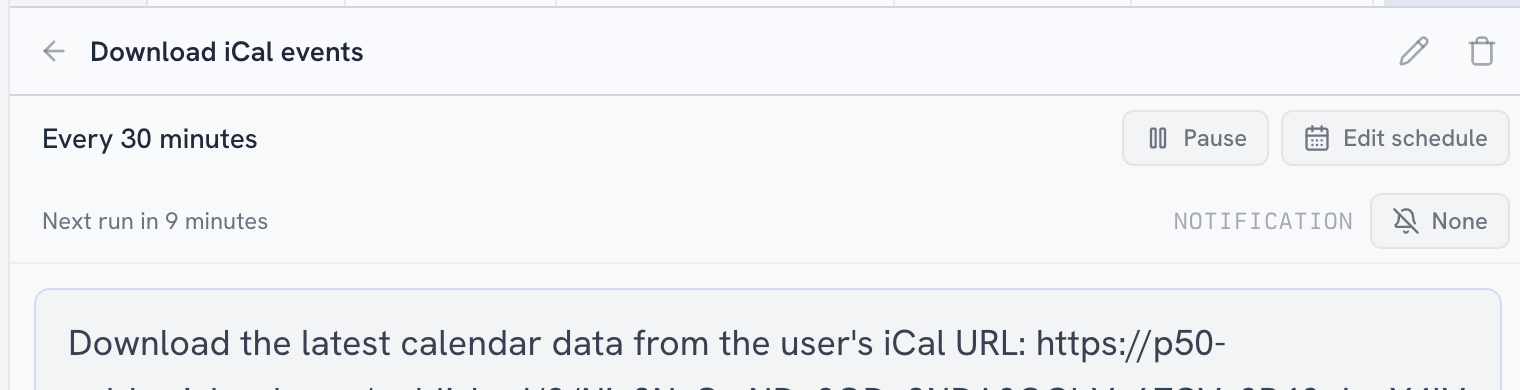
To make it easier for other agents to query the iCal events, I asked Zo to create an internal site with a simple REST API to fetch events filtered by date.
Then, I had Zo use both my Google Calendar and iCal to help me plan date nights for Q1 2026. I gave it guidelines on what dates to avoid, frequency, and which nights we prefer.
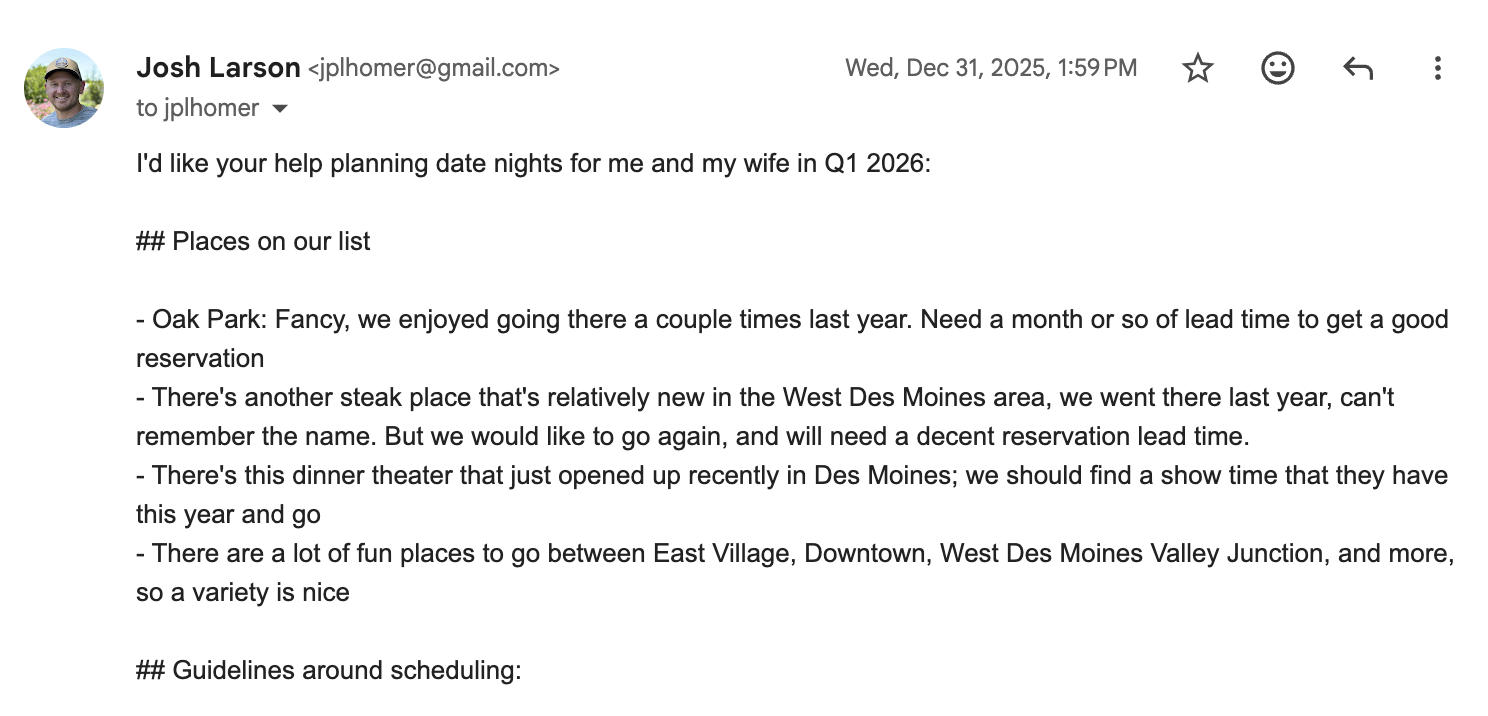
In one case, I couldn’t remember a specific restaurant name in my prompt, so I just said “it’s a steakhouse in West Des Moines that opened recently.” Looking at the thinking path, it was able to perform a web search and correctly derive the restaurant name (Prime and Providence).
It used the Google Maps API to find nice restaurants in neighborhoods I had requested.
Finally, it responded with a proposed list of date nights. We went back and forth a couple times on preferences.
It finished by adding the date nights to my personal Google calendar. I had to manually transferred those to family iCal because Zo has read-only access.
My year in review post
I wanted to write a year in review post, but I needed a kick in the pants to get it started.
So I started by asking it to query my calendars for places I’ve traveled in in 2025 and “structure” a new markdown post in my personal site with this data.
I also had it query my X/Twitter profile for popular posts in 2025 (spoiler: I really didn’t have any 😂). I had it record those in the markdown file and also take a screenshot of each post and embed it. The screenshots were meh because it captured the entire X UI, so I prompted it to go through each screenshot and edit it to just show the main post. Mixed and inconsistent results as it likely sent each of these off to Gemini/Nano Banana, and I ultimately removed this section of my post.
As I was driving home from the grocery store, I remembered a cabin weekend I had with my buddies in November. I knew I was gonna forget to include that in my post, so I used my car’s Siri button, asked Siri to text Zo to add the cabin retreat to my 2025 year in review post under the November section. It did it 🤯
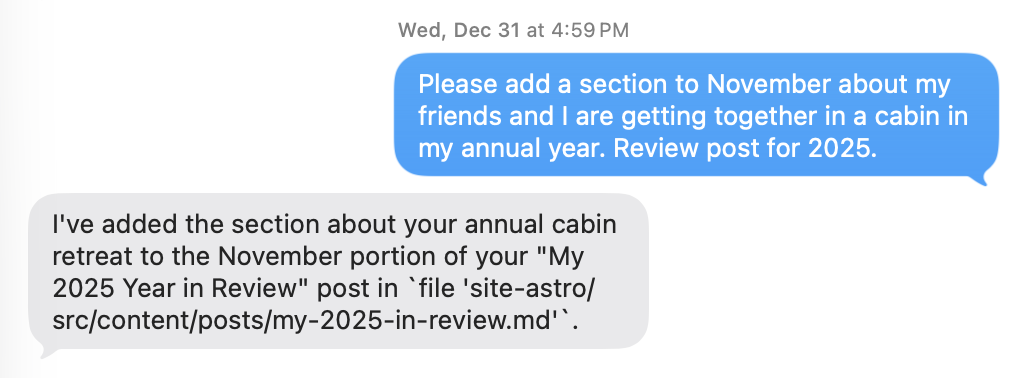
I promise, I wrote the rest of the post myself!
Podcast Recorder App
I had an idea to build an app for a “collaborative, async podcast” because my buddy Austin and I are terrible at aligning schedules to record our podcast.
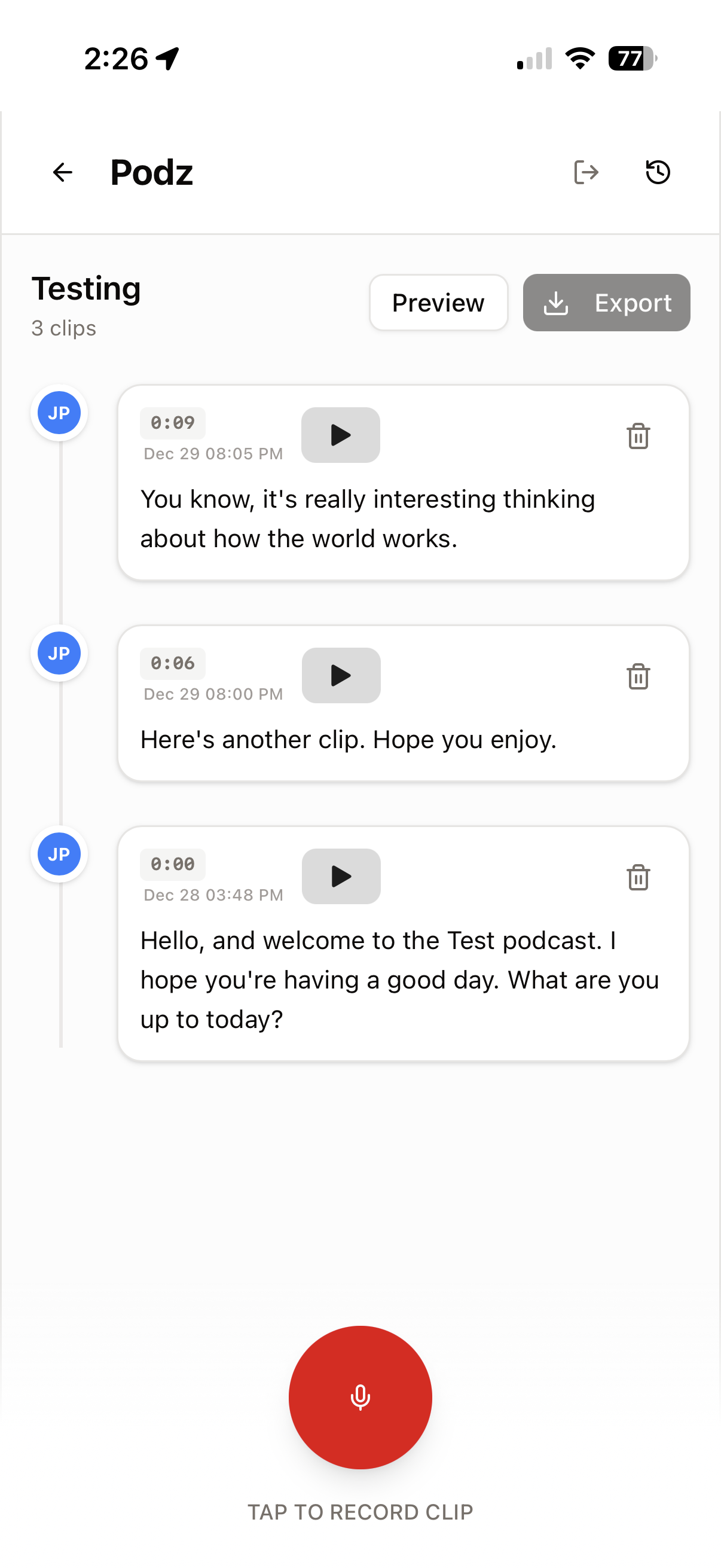
I had Zo vibe it up, and it did pretty well in one shot!
I ran into problems with HTTPS and the Web Audio API, because browsers don’t like non-secure pages capturing user microphone. Zo had given me an HTTP proxy URL to view the dev server. I had to have Zo publish the site to have it on an HTTPS connection, though looking back I’m not sure if this was necessary (Zo provides a preview link with HTTPS which I should have just used).
I tried to have it add auth, but it struggled a bunch. Several instances resulting in Zo agent thinking it’s finished, but the site is completely broken and all you see is a Cloudflare origin error page.
It’s also annoying once you’ve published a Zo site, because you have to constantly remind Zo to republish the site after making changes.
I had Zo build progressive web app support into the site so I was able to add it to my phone’s home screen. It feels more like a real app that way!
Basic React Router app
On Zo, you’re not restricted to just Zo Sites. You can spin up a service to host anything you want.
To test this, I spun up a React Router site in the Zo terminal using npx .
I manually set up a service this time, adding the correct start command and ports
I ran into annoying issues with Vite and HMR. Since Zo services only expose a single port, you can’t have another port for Vite HMR. I’m not sure what the answer is here - Zo tried creating a different service just for the HMR port, but that seems like overkill and also didn’t fully work. You’d probably need to configure a custom routing rule to have HMR happen at a path on the same server instead of a port.
Basic Laravel app
I also installed PHP and Composer and went through the basic Laravel getting started guide on their website via the Zo terminal.
I got it going pretty quickly, though I ran into the same issue as the React Router app due to Vite’s HMR.
Feedback: It’s annoying that a Zo service results in something being published to the world. I wish there was a way to have a “preview” proxy behind auth for services like this that aren’t just Zo Sites.
Recipe E-book Parsing
I emailed Zo about a food influencer guy I had followed on Instagram with tasty recipes. Couldn’t remember his exact name. I wanted to see if I could nail down some of those recipes and make the food myself this year.

Zo researched who it was and found him. It sent me a link to his electronic book with macro-friendly recipes, which I bought (powered by Shopify! And Shop Pay!). I downloaded the ZIP to my phone’s files and uploaded it to Zo through the mobile web browser interface, though I suppose I could have just emailed it to Zo directly and it could have unpacked it from the attachment.
After unzipping it, I prompted Zo to go through the PDF and convert all the recipes into Markdown format, including a screenshot of each. I nudged it to use either sub-agents or a script to parallelize this effort.
It nailed it after a couple tries:
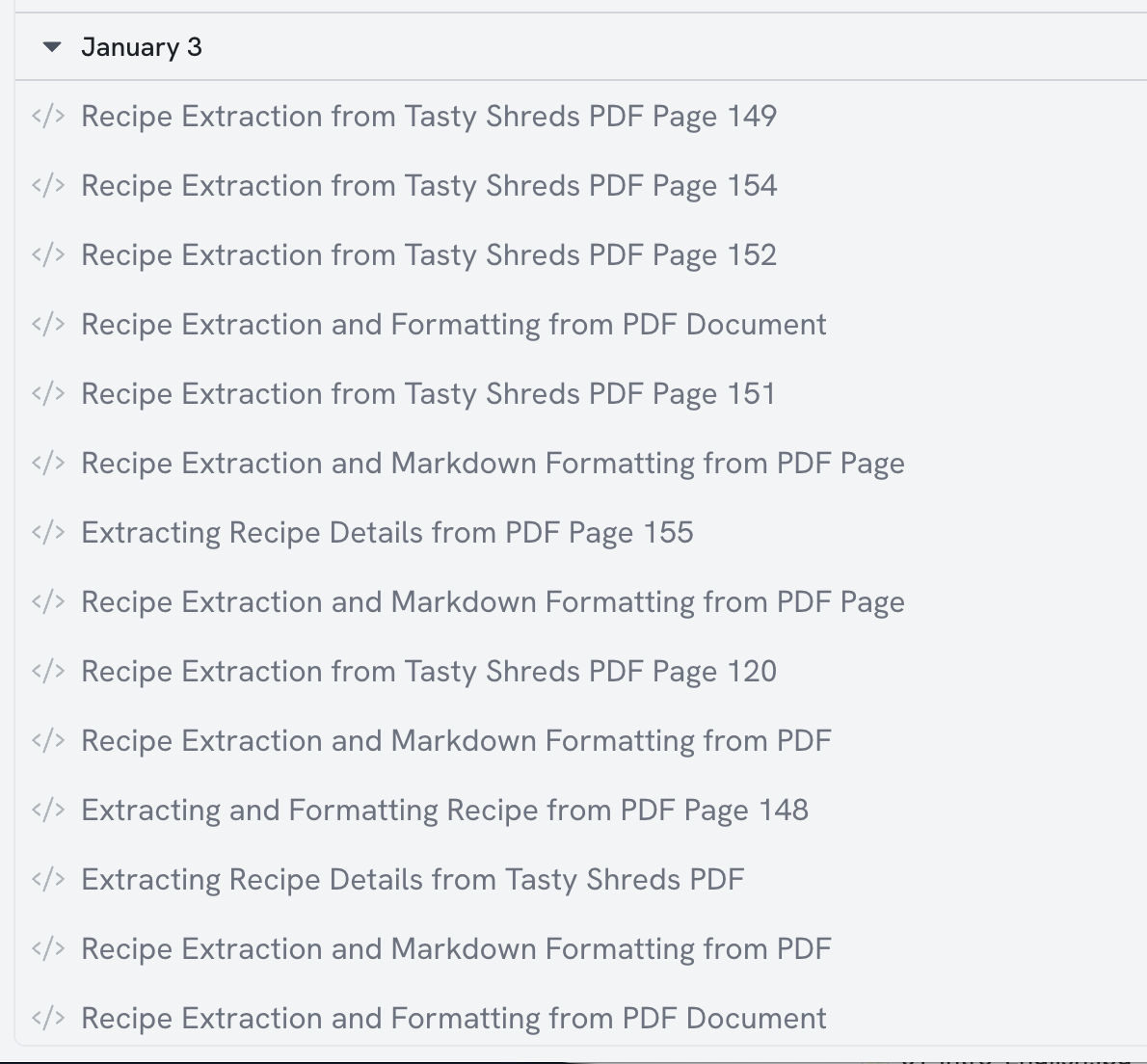
I’ll probably turn this into a browsable personal site and maybe a database with an API that Zo can query to help me build grocery lists and suggest recipes for me.
OK that’s it. Try Zo, if you want!
Update January 19, 2026: After I published this post, Zo added the concept of referral links. So I added them to this post, FYI!